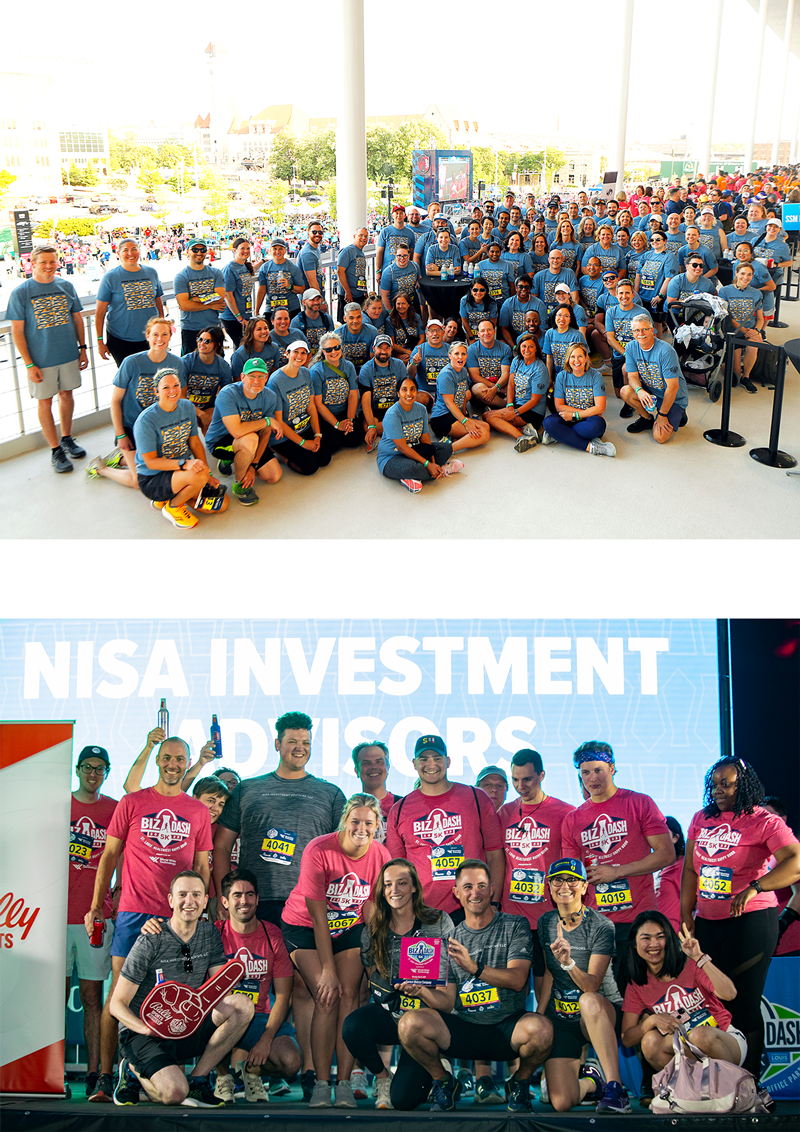
Register - Biz Dash

Register


Register Before the Price Increases on Wednesday, April 15!


Please make sure you’ve whitelisted info@stlsports.org to ensure you receive important event communication from the St. Louis Sports Commission. 


Directions on how to create or join a team are at the bottom of the page. No walk-up, race-day or paper registrations, ALL participants must register online prior to the event.

The Biz Dash does not issue refunds, race entry transfers or team cancellations. If the event is unable to occur, a decision will be made at that time.


If you wish to purchase a Team Starter Pack (or have already purchased a Starter Pack), please do NOT create a team. Once a team is created and people begin registering, we cannot update your settings.

CREATE A COMPANY TEAM
JOIN A COMPANY TEAM
JOIN A COMPANY TEAM
REGISTER FOR THE SPORTS FOUNDATION TEAM
Registration Info

Registration Fee:

  • $45 per participant  |  February 16 – Apri 14
  • $50 per participant  |  April 15 – April 29


Registration Fee Includes:

  • Biz Dash T-Shirt – Sponsored by Equifax & Wells Fargo Advisors
  • 1 Complimentary Beverage Per Participant
  • Race Bib


***Being the Team Captain does not automatically register you for the Biz Dash 5K. You will need to go through RunSignUp and register yourself after creating your team.


Create A Team

A designated Team Captain will create your Company Team and customize preferences. Teams may have as many Team Captains as they would like (this can be done after a team is created). Only one team is allowed to be created per company. Teams may have an unlimited number of participants.


  1. Click the “Create a Company Team” button above.
  2. Click the “Create A New Team” button on the right.
  3. Follow the instructions to customize your Company Team. Please note that you cannot delete a company team once it is created.
  4. Once your Company Team is successfully created, employees can begin to “Join” your team.
  5. If you are the Team Captain, please be sure to check your email (or spam filter) for an email from RunSignUp.com. You will need to “Accept” being the Team Captain to view/manage your team page.
  6. If you are the Team Captain and plan to participate, you will also need to go through the registration process to sign up (you are not automatically registered). You will go back to the list of company teams, select your organization by clicking the “Join” button next to your team name, and follow the registration prompts to sign up.
  7. To adjust your team payment settings or view your team members, access your team through RunSignUp.com.


Register as an Individual

If your company did not create a team, you can sign up on the St. Louis Sports Foundation team (for general public).


  1. Click the “Register for the Sports Foundation Team” button above.
  2. Click “Join” next to the St. Louis Sports Foundation (first in the list of company teams) with the “General Public” team type.
  3. Fill out all registration fields.
  4. The code (password) to join either team is “stlsports.”

Related Topics

Team Captain Info
Team Captain Info
About The Biz Dash
About The Biz Dash
FAQs
FAQs
Registered Teams
Registered Teams